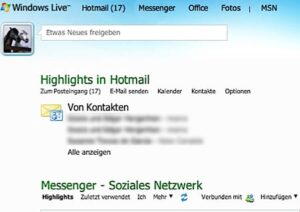
The "Print Screen" button, usually also called the "Print" button, is not always the best method for obtaining screenshots in the Windows Vista operating system.
For whatever reason you need a screenshot, the print button will work, but the resulting screenshot must now be saved and edited.

However, there is a better method for screenshots in Windows Vista.
Windows Vista has a screenshot tool that is quick and easy to use. It is called "Snipping Tool" and can be found under Start>All Programs>Accessories in Windows Vista.
To take a screenshot with the "Snipping Tool", simply start the programme. The screen will partially turn grey. Drag a box around the desired part, then an editing window will appear where you can save the screenshot directly.
You can also comment on and edit your screenshot or delete it at any time without changing the actual screenshot.
If you want to print not just a specific area, but the entire screen, you can select the appropriate option under Options.